Photoshop AI Editing Without Subscription Using Nano Banana
Explore how to leverage advanced AI tools like Nano Banana within Photoshop for image retouching without the need for additional subscriptions, focusing on a pay-per-use model.
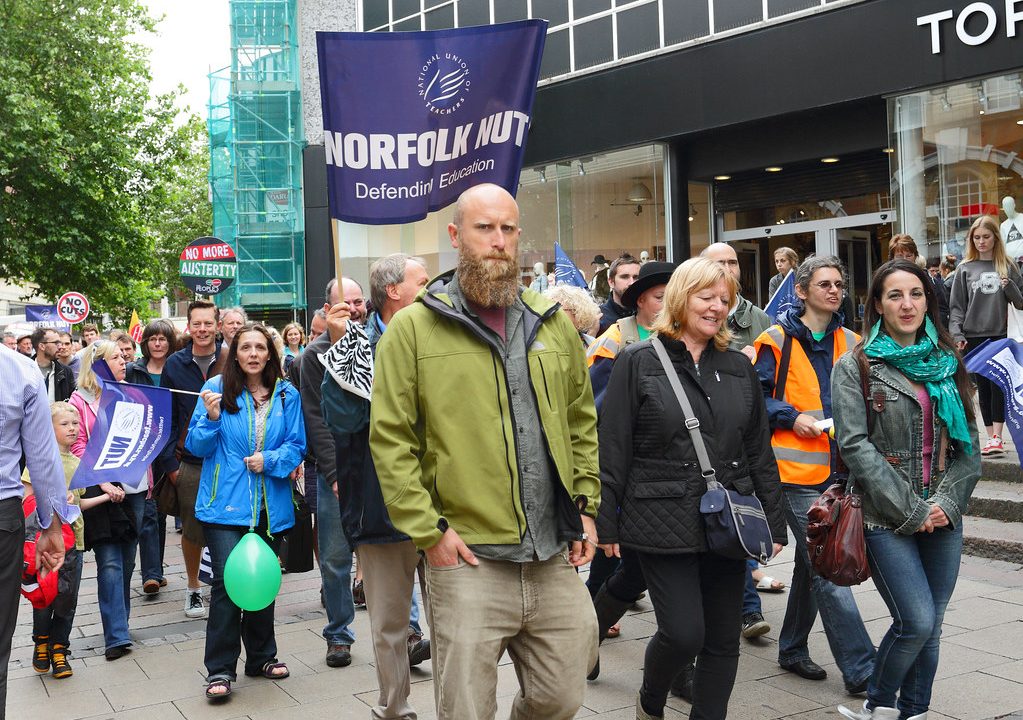
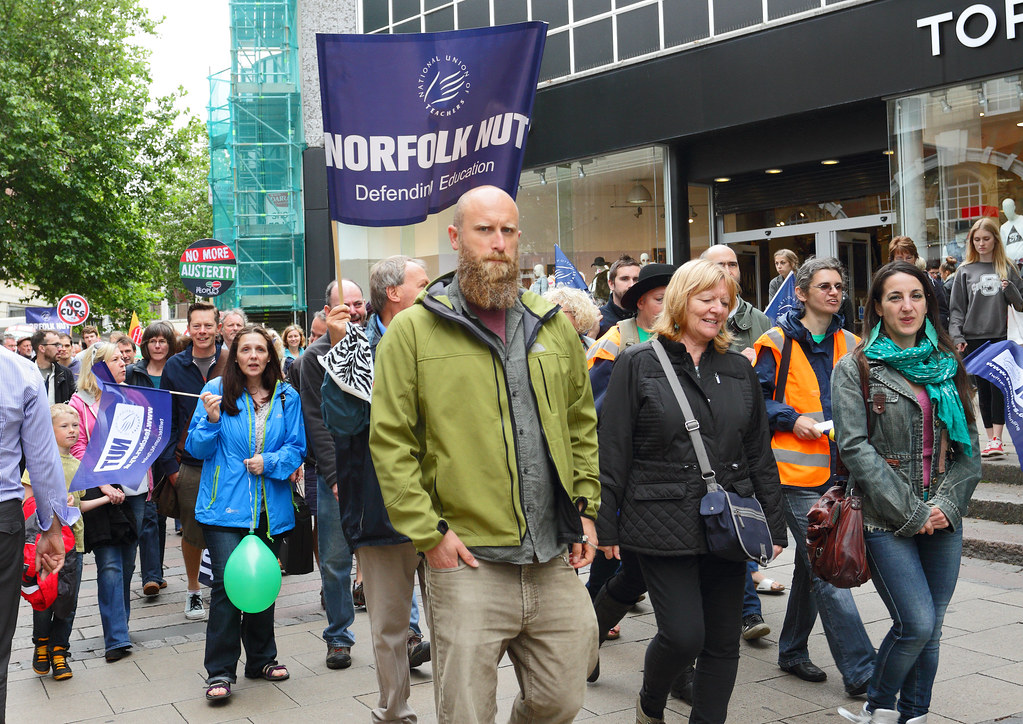
A new approach allows users to access powerful AI retouching features in Photoshop, such as those offered by Nano Banana, without requiring additional subscriptions. This method utilizes a pay-per-use model, connecting directly to AI APIs for advanced generative fill capabilities.
Previously, many advanced AI functionalities in software, including Photoshop’s generative fill, demanded extra subscription fees. However, by integrating with Google’s Gemini API or similar services through tools like OpenRouter, users can bypass these extra costs. This allows for direct payment for AI usage to the provider, offering a more economical solution.
The article highlights the development of custom Photoshop plugins designed to streamline the integration of AI tools. These plugins aim to provide greater control over the editing process, ensuring optimal resampling of image areas sent to the AI. Unlike some built-in tools that may have specific aspect ratio or resolution limitations, these custom solutions can handle a wider range of selections and resolutions, up to 4K, while minimizing quality loss.
Direct API Integration
The author explains that Adobe’s Generative Fill tool, when using Nano Banana, actually routes requests to Google’s Gemini API. For individuals or developers looking to bypass Adobe’s subscription model, direct access to this API is possible with a Google account and a credit card. Alternatively, services like OpenRouter offer a more flexible platform, providing access to multiple AI models and catering to users without a Google account.
The process involves installing a Photoshop plugin, generating an API key, and configuring billing. This setup enables users to pay for AI usage directly, eliminating recurring subscription fees. The focus is on achieving high-quality results by controlling the entire AI retouching workflow, rather than relying on third-party solutions that might compromise quality or functionality.
Enhanced Functionality
Custom plugins offer significant advantages, including the ability to tailor AI functionality for superior outcomes and improved usability. A key concern addressed is the proper resampling of image areas sent to the AI. Nano Banana, for instance, has specific requirements for aspect ratios and resolutions, necessitating interpolation for rectangular selections. Custom plugins can manage a broader range of aspect ratios (e.g., 1×2 to 2×1) and resolutions up to 4K, ensuring that resampling is kept to a minimum.
Furthermore, the development of lossless encoding and decoding pathways between Photoshop and the AI is crucial for maintaining image quality. While some pixel loss is inherent in AI regeneration, the goal is to make this difference negligible. The article mentions the inclusion of GPT Image 2 as a potential alternative, though initial tests found it to be slower and more expensive than Nano Banana.
Practical Applications
The article provides compelling examples of how this AI-powered retouching can revolutionize architectural and urban photography. Tasks that were once time-consuming or practically impossible, such as removing moving objects like cars and people from a scene or cleaning up scaffolding from building facades, can now be accomplished quickly and efficiently.
For instance, an entire street in Valletta was cleared of cars in under two minutes, with results matching pixel-level detail. The removal of scaffolding from the Basilica di San Marco in Venice, a task previously deemed too difficult to attempt manually, is now feasible, revealing the building’s entrance with accurate details. The author notes that while these are extreme examples, they showcase the immense power of modern AI.
Considerations for Quality
While AI excels in many retouching tasks, the article points out that highly detailed landscape scenes can still present challenges. At 4K resolution, a drop in quality has been observed, potentially due to Google throttling quality during periods of high server load. Consequently, while 4K images can be processed, focusing on smaller, specific edits is recommended for more consistent and detailed results.
The author emphasizes that users should experiment to determine the best use cases for AI in their workflow. For tasks like noise reduction, AI tools offer significant time and cost savings, making them an invaluable addition to any photographer’s toolkit. For temporary obstructions like scaffolding or small interfering elements, AI is almost always a beneficial solution.
Datos clave
| Feature | Description |
|—|—|
| AI Model | Nano Banana (with potential integration of others like GPT Image 2) |
| Software | Adobe Photoshop |
| Access Method | Direct API integration via custom plugins |
| Payment Model | Pay-per-use, direct to AI provider |
| Key Benefit | Eliminates additional subscription fees for AI features |
| Applications | Retouching, object removal, detail restoration in photography |
This development is significant for Paionia7’s readership, particularly those involved in architectural photography and visualization. The ability to efficiently retouch images, remove unwanted elements, and enhance details without incurring high subscription costs empowers professionals to produce higher quality work more economically. It opens up new possibilities for image manipulation and cleanup, saving valuable time and resources in the post-production process.
Fuente: estudioarquitectos.cl – https://estudioarquitectos.cl/2026/06/01/retoque-con-photoshop-ai-sin-suscripcion/
Datos clave
| Punto | Detalle |
|---|---|
| Fuente | estudioarquitectos.cl |
| Fecha | 2026-06-01T01:02:18+00:00 |
| Tema | Retoque con Photoshop AI sin suscripción |
Source
estudioarquitectos.cl Original publication: 2026-06-01T01:02:18+00:00
Related news
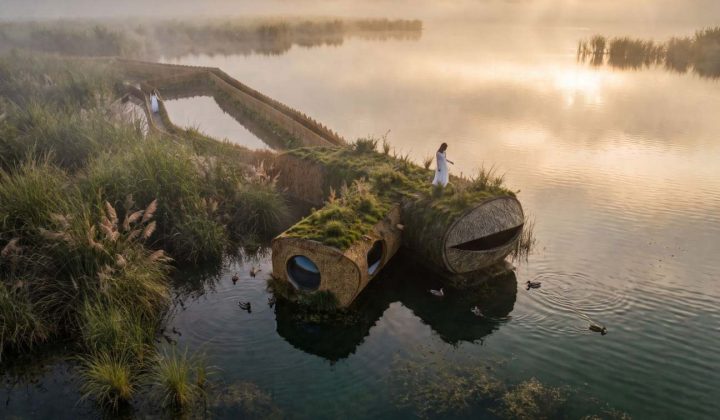
MIV Architects Proposes Wetland Pavilion That Prioritizes Non-Human Habitats Over Human Comfort
The Spanish firm’s “Nidos de Agua” concept for the Albufera natural park in Valencia aims to rebalance the relationship between building and…
Read more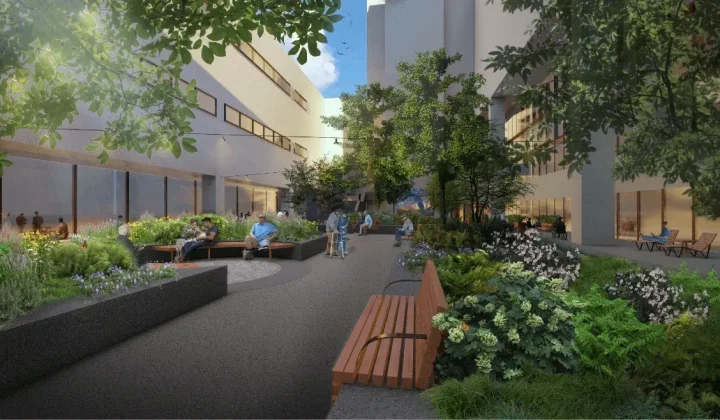
Nelson Byrd Woltz Begins Construction on Restorative Eagle Courtyard at Walter Reed Medical Center
Construction has started on a redesigned Eagle Courtyard at Walter Reed National Military Medical Center, led by Nelson Byrd Woltz Landscape Architects.…
Read more
London’s listening bar boom reflects a deeper shift in hospitality design and music culture
A wave of Japanese-inspired listening bars is reshaping London’s nightlife, but owners and critics are asking whether the concept can survive commercial…
Read more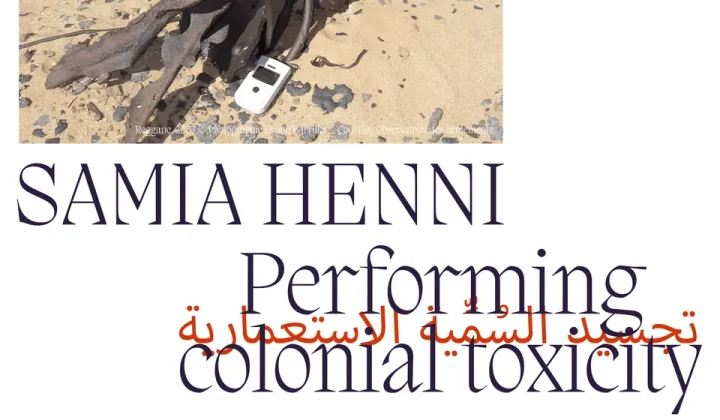
Performing Colonial Toxicity Exhibition in Valencia Examines Architecture’s Role in Nuclear Colonialism
From 24 October to 1 November 2026, Aguas Internacionales in Valencia hosts Samia Henni’s exhibition on French nuclear testing in the Algerian…
Read moreRelated wiki
Adaptive Reuse in Architecture
Reference page for reuse, retrofit, conversion, embodied carbon and design constraints.
Read more